

WordPress has always been a place people build for others. Posts, pages, stores, membership sites, documents, campaigns, dashboards. The admin area, though, has usually asked everyone to work the same way. Same menus. Same gray corridors. Same feeling that the tool belongs to the software more than it belongs to you.
WP Desktop Mode changes that metaphor. It says WordPress can be a workspace, not just an admin panel. ODD builds on that idea with wallpapers, icon sets, cursors, widgets, and small apps that sit inside the desktop. It is playful on purpose, but the point is not decoration for decoration’s sake. The point is ownership.
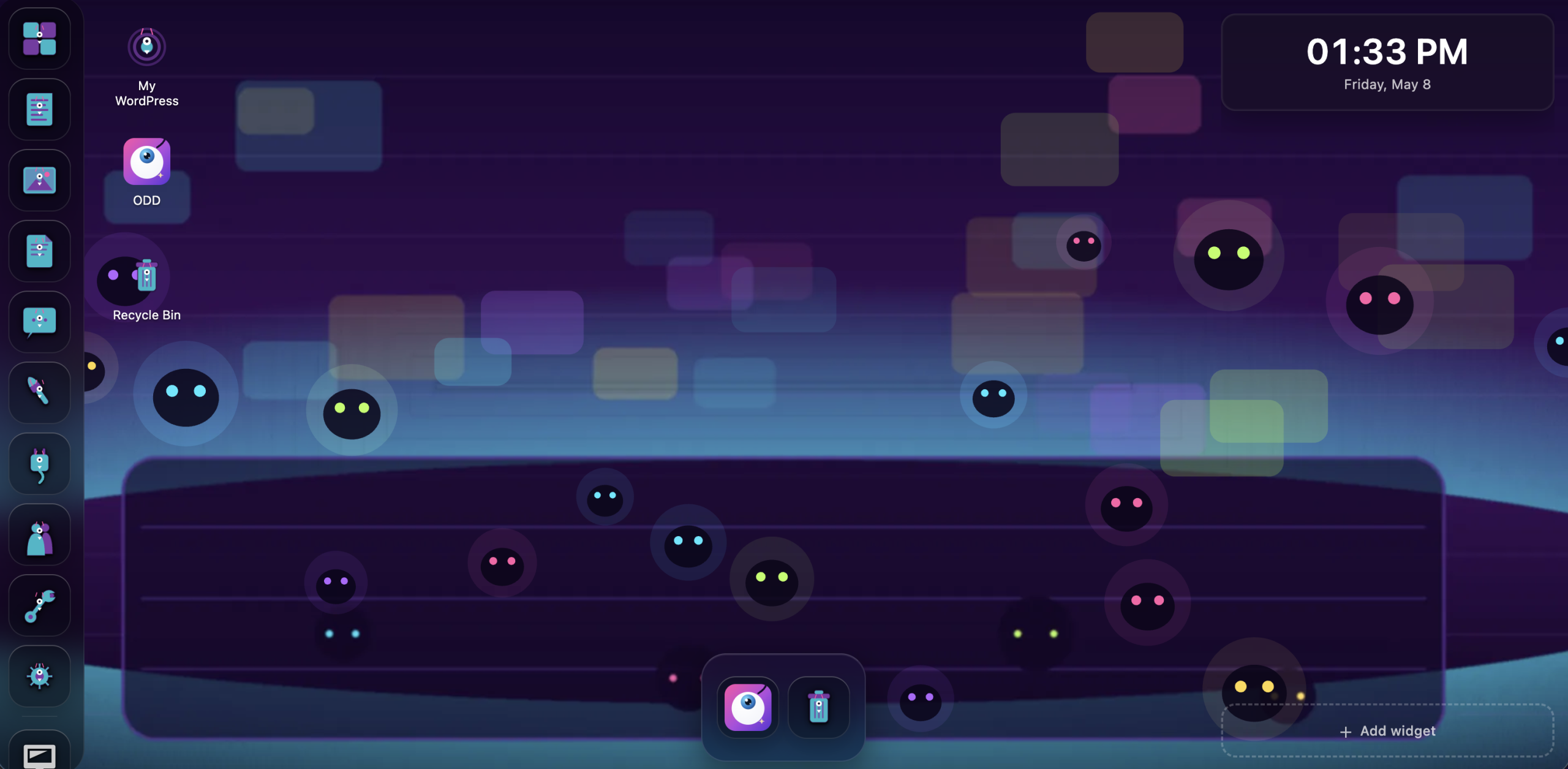
Customization is not a skin. It is how a workspace starts remembering the person using it.
Why customization matters
People customize their workspaces because defaults are built for the average session, not for a real day. A real day has interruptions, favorite tools, project context, muscle memory, mood, fatigue, and tiny rituals that help you begin again.
Recognition beats recall.
Distinct icons, colors, and positions help you find tools faster than reading the same list every time.
Place carries memory.
A stable arrangement becomes a map. Your board lives there, notes live here, the timer is always in the corner.
Mood changes momentum.
A workspace that feels alive can make starting work less sterile, especially when the work itself is hard.
Agency reduces friction.
When people can tune their tools, they stop fighting the interface and start trusting it.

The bigger bet
There is a lot of software that treats customization as a distraction. ODD takes the opposite bet: the people closest to the work should be allowed to shape the place where the work happens.
For site owners, that might mean a calmer dashboard. For agencies, it might mean a client workspace that makes the right tools obvious. For builders, it might mean tiny apps living beside WordPress content instead of scattered across another set of tabs. For everyone, it means the admin area can become less like a hallway and more like a room.
Try it
Prefer to install it yourself? Download ODD from GitHub, or use the Playground to explore wallpapers, apps, icon sets, cursors, and widgets before bringing it to your own site.
Customization is not just decoration. It is recognition, memory, ownership, and momentum. ODD makes WordPress Desktop Mode feel like a workspace you can actually inhabit.